The Power tab restarts the whole machine. It is there for emergencies; most problems are fixed faster by restarting one service.
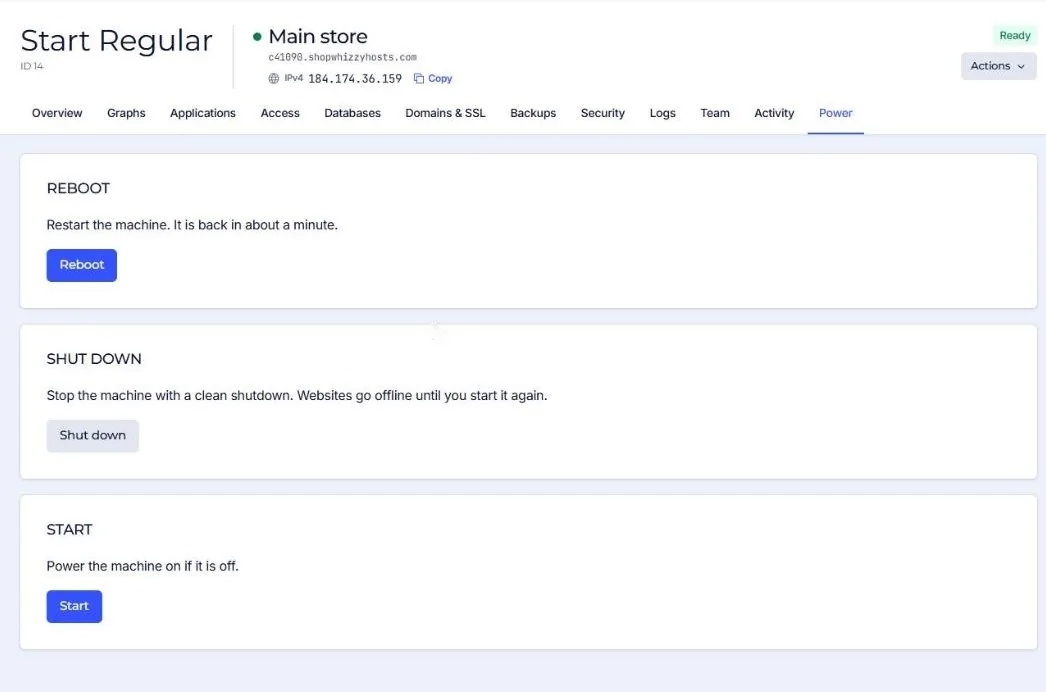
| Action | What happens | Downtime |
|---|---|---|
| Reboot | A clean restart of the machine. Every service starts again on its own. | About a minute. |
| Shut down | A clean shutdown. Websites go offline until you press Start. | Until you start it. |
| Start | Powers the machine on if it is off. | About a minute to boot. |
Only the account owner and admins can use Power. A shut down server is still billed: the machine and its disk stay reserved for you.
Before a reboot, try restarting PHP or the one service that misbehaves (Overview, Services). It takes seconds and keeps every other site online.
Did this solve it? If not, tell us what you see and we look at your server.
Open a ticket